
Intro
If you are a new animator figuring out is it worth it to spend 20 bucks a month for an animating program or get a free one on your phone. This blog post is all about this predicament. This Blog post is going to find the differences, the pricing, and the hardware for each animation software. Also will learn the difficulty of each software. Will be discussing the future of the Amination industry and what might happen in the future.
The Cheap and Expensive Softwares
The two animation softwares will be “Adobe Animate”, and “Flip A Clip”. Adobe animate is the most popular animator in the industry, but to use it you must have a subscription to adobe. The best deal to get animate is to buy the “Creative Cloud Pro” because you can get every app the adobe owns and cost about 34.99 for the first 3 months then go to 69.99 but very worth it. The other animation software is “Flip A Clip” and this is the best way to start out with animation. It’s free, the software is very simple to understand and is a handheld only app.
What I know about Adobe Animate
All of this is my own knowledge some important things might get left out. Adobe Animate is an animation software that you need a subscription to use. Adobe Animation can use files from other Adobe applications like Adobe Illustrator, Adobe After Effects, and Adobe Audition. The animation in this software is a bit confusing for starters you have to draw every frame out or if you bought the Creative cloud bundle you have Adobe Illustrator. The best method I learned was to make every asset in Adobe Illustrator and download it then put it into Animate. So you can move the assets around without redrawing them frame by frame. There are millions of people who use Adobe Animate. Also very popular shows and Indie shows that are made using Adobe Animate some examples are “Smiling Friends”, “My Little Pony”, “Battle For Dream Island”, and many more. There was a program exactly like Adobe Animate and it was called “Flash”. Flash was made by the same company that made all the Adobe Programs. On December 31, 2020, Flash was discontinued and replaced by Adobe Animate.
My First Project Using Adobe Animate
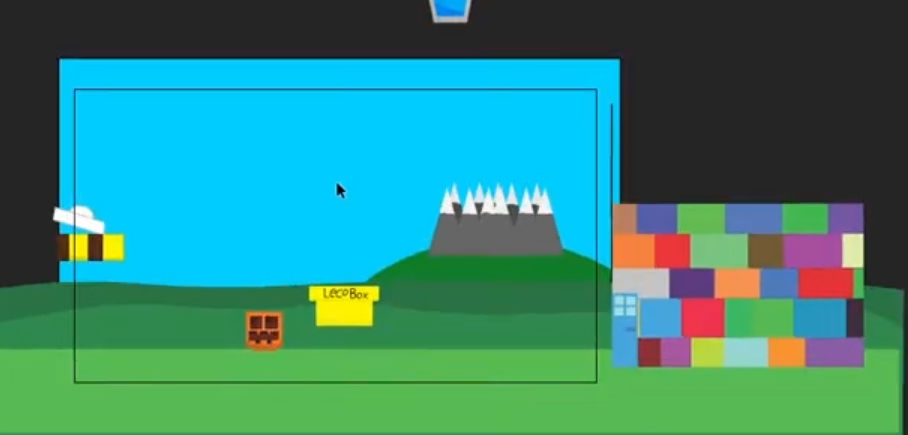
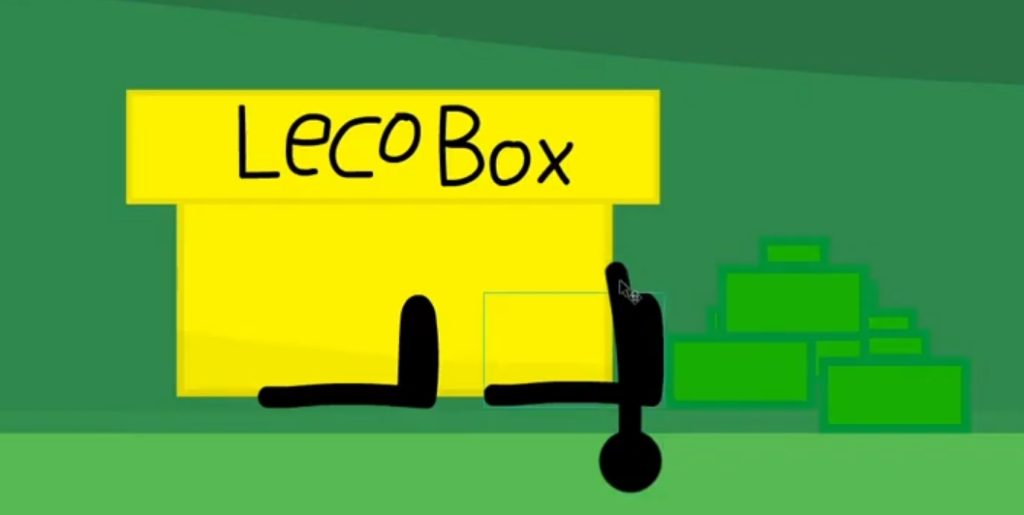
This is going to be my first time using Adobe Animate Seriously not messing around with the settings and importing assets. First, I started adding the files from adobe illustrator like the background, the characters, the audio, and the facial features. Secondly, I set up the layout of the character’s position. Thirdly, I start the starting and ending position of the first clip of the scene and slowly move them frame by frame. Fourthly, I added the arm movements to give them some expression of what they are doing at that moment. Fifthly, I add the props that go with the scene of grabbing objects or moving. Lastly, I animated the lip syncing so they can link up when they are speaking. I only animated one scene of a 40 scene episode. This was the process of my experience with Adobe Animate.
What I know about “Flip A Clip”
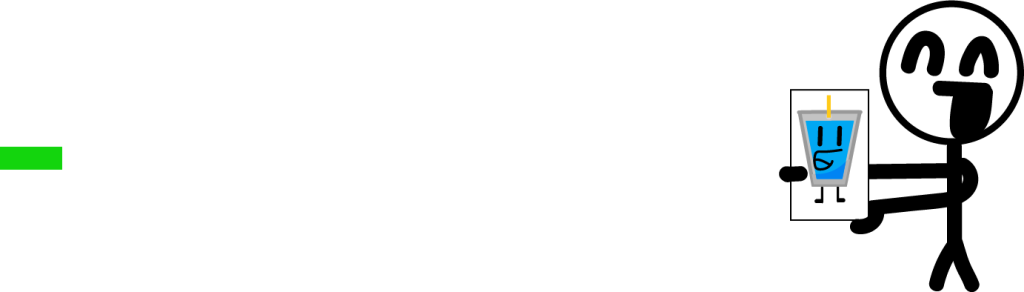
“Flip A Clip” is created by Visual Blasters LLC. The company was created in 2008 and released “Flip A Clip to Android, IOs, and more in 2012. Flip a clip’s animation style is drawing frame by frame. A good example of this animation is disney in the early years of its animation, drawing frame by frame on paper or cell. Flip A clip is a go software to start out animation.
My First Project With Flip A Clip
I added the audio to be synced up to the starting frame. I started out by drawing the background and copying exactly like my prototype. Added the colors and details. Then added the first position of every character’s body. A good tip is copy the starting frame with only the background and reuse it. The hardest part of using Flip a clip is the movement of a character or the camera. Also, the easiest thing to do is the mouth motion so you can match the sound.
Animation’s Future
The animation’s future is dying down and going up. Recently, Adobe announced that they are stopping production of Adobe Animate by 2027 but after people criticized them they can back on that shut down and make it not as focus then the other programs. Also, a few months ago Flip a clip did an interview with the creator of an indie show called “Battle for Dream Island” Micheal Huang. The interview was about how they started animation and why they started and more.
Conclusion
Now you know what are the differences between an expensive animation software and a free animation software. Also, major information about both how they are different yet alike. Also, my experiences with both software and some tips you might need. The animation’s future has its ups and downs. These are the differences and siamlese of an expensive and cheap animation software.